
Explainers and launch ads for technology and SaaS
Explainers, animated interfaces and hardware renders, planned against the release you are launching.
Send a brief- You send
- Design files, a demo account, release dates
- You get first
- A production plan with recorded and animated UI shots
- Delivered
- Explainers, launch spots, LinkedIn and social versions
- Often uses
- 2D interface animation, 3D hardware, kinetic type
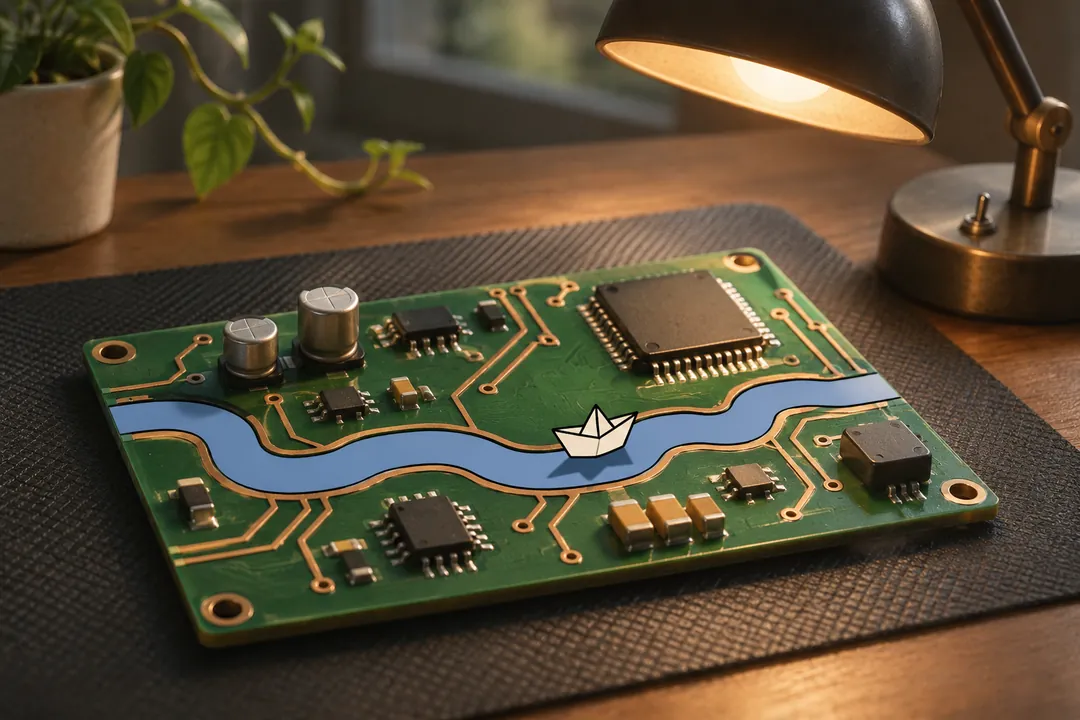
Software is hard to film. The product lives on a screen, changes every release and means little until a viewer sees what it does for them. Hardware has the opposite problem: the interesting part is inside the case. Blendpipe plans technology ads around one question per shot: is this moment best shown as a real screen, an animated interface, a 3D render or a person using the product? The answer, and the reason, goes into the blend map before anything is made.
What we make for technology companies
Explainers
A product or workflow explained in order: the problem, what the product does about it, and what the viewer should do next. At 150 words per minute, a 60-second explainer holds about 135 words of voiceover; the script timing calculator checks your draft before boards are drawn. See 2D animation.
Launch spots and feature releases
A short spot for a launch or a major release, plus versions for each feed. LinkedIn’s video ads help page recommends 15 to 30 seconds and a 4:5 frame (720 x 900), accepts captions as SRT files and does not accept Apple ProRes, so B2B campaigns are planned for those limits from the start. A content series suits teams that explain each release in the same visual system.
Hardware and device visualization
For devices, sensors, chips and connected products, a 3D model built from CAD shows what a camera cannot: the layers of a board, how a module docks, the airflow through a case. Renders can be made before the industrial design is final and updated when it changes. See 3D and CGI.
Animated interface or screen recording
Many explainers use both, and the plan says which method each interface shot uses.
| Screen recording | Animated interface | |
|---|---|---|
| What it shows | The real product, exactly as it is today | A rebuilt, simplified interface focused on one action |
| Best for | Demos, tutorials, proof that a feature exists | Ads, launch spots, features still in development |
| When the product changes | Record again | Update the affected screens in the animation project |
| On a phone screen | Small text, crowded layout | Enlarged elements, re-laid out for each aspect ratio |
| Main risk | Real customer or personal data on screen | Drifting away from what the product really does |
An animated interface still has to match what the product does. We build it from your design files, and your product team checks the screens at a named review point. Recordings use a demo account filled with invented data, never real customer records.
Third-party interfaces and logos
Integrations are often the selling point. Blendpipe does not show another company’s interface, logo or app icon in an ad without the owner’s written permission. Your company usually holds that relationship, so you request the permission, and your counsel decides whether a given use needs it. Until it arrives, the animation uses a neutral stand-in that can be swapped in one version pass. Fonts and icon sets used in the animated interface go on the rights sheet with their license terms.
No invented customers
Technology ads often lean on a customer: a quote, a logo wall, a user on camera. The FTC’s endorsement guides say an ad presenting people as “actual consumers” should use actual consumers or clearly and conspicuously disclose that they are not, and endorsements must reflect the endorser’s honest opinions and experience. The FTC’s 2024 rule on fake reviews bars testimonials that misrepresent that they come from someone who does not exist, such as AI-generated fake reviews.
So Blendpipe does not generate customers, users or quotes with AI tools. A real customer speaks in their own words, under a release that covers the use. An actor shown as a user is labeled as an actor portrayal when the ad would otherwise suggest a real customer. The rules for AI-assisted steps are on AI practices.
Example (fictional). Tallyvane is an invented inventory software company, not a client, and every figure here is an illustration. It is launching a barcode scanning feature for small warehouses six weeks before the release ships. The plan calls for a 45-second explainer, a 15-second LinkedIn version in 4:5 and a 6-second version in 9:16. Of the explainer’s 9 shots, 6 are animated interface rebuilt from the design files (the scanning screen will change before release), 2 are live action in a warehouse with an actor who is not presented as a customer, and 1 is a 3D render of the handheld scanner from its CAD file. A shipping carrier’s app appears as a neutral tile until the carrier’s written permission arrives. The script has 100 words: at 150 words per minute it reads in 40.0 seconds, leaving 5 seconds for the end card.
What you provide and what you receive
You provide:
- design files for the screens you want shown, and a stable build or staging account with invented data
- the release date and what may be shown before it
- CAD files for any hardware, and your brand guide (fonts, colors, interface components)
- written permissions for third-party interfaces or logos, and releases from any real customers who appear
You receive:
- the production plan first, with every interface shot marked as recorded or animated and the reason
- style frames, and an animatic timed to the voiceover
- the final explainer and spots in every agreed length and ratio, with caption files
- the rights sheet, the provenance log and, if the contract includes them, the layered animation project files
Services and tools that apply
Technology work usually combines creative development for the script and boards, 2D animation for interfaces and type, 3D and CGI for hardware, and campaign versioning for feeds and placements. The delivery specs checklist and the file size and bitrate calculator help check each destination’s limits before export.
Planning a launch or a release series? Send a brief with the feature, the release date and the placements, and the first thing you receive is the production plan.